Online Mobile Recharge: Providers, Steps, and Safety Tips
Compare mobile recharge options and top up your prepaid plan safely online.
What Is Online Mobile Recharge?
Online mobile recharge lets you add credit or data without visiting a shop. You enter your mobile number, choose a plan, and pay online. The telecom provider then adds the selected value to your prepaid account.
You can use a provider website, mobile app, bank app, or mobile wallet. Most services accept cards, bank transfers, and local payment tools. Some platforms also support international recharge for family or friends abroad.
The process often takes less than one minute. A confirmation message should arrive soon after payment. Your account balance may update at once, or after a short delay.
Online recharge mobile recharge searches often include a provider name. For example, users may search for “recharge mobile BSNL” or “Ooredoo online recharge mobile.” These searches show a need for direct, provider-specific payment options.
Why More People Recharge Their Phones Online

Convenience is the main reason people choose online top-ups. You can recharge from home, work, or while travelling. The service stays open outside normal shop hours.
Speed is another strong benefit. A successful payment can restore talk time within seconds. This matters when a prepaid plan has expired during travel or an urgent call.
Online services also make plan choices clearer. You can check the price, data amount, call terms, and expiry date before paying. Many apps save your number, which makes later top-ups faster.
Promotions can lower the final cost. Some wallets offer discounts on recharge, cashback, or reward points. These offers change often, so check the final amount before payment.
- Recharge at any hour
- Compare plans before you pay
- Save numbers for quicker repeat payments
- Receive a digital receipt
- Use automatic recharge services for regular needs
Automatic recharge can help users who rely on a fixed monthly plan. Set a limit and choose the renewal date with care. Turn it off when you no longer need it.
Popular Platforms and Provider Options
The best platform often depends on your carrier and country. Provider sites usually show the newest plans first. Third-party apps may offer more payment methods or rewards.
BSNL recharge options
BSNL customers can add talk time, data, or prepaid plan value online. The BSNL site and official channels can support direct top-ups. Bank apps and approved wallet services may offer another route.
When you search for online recharge mobile BSNL, check the number format first. BSNL serves many circles, so plan names and benefits may differ by area. Confirm the chosen service area before payment.
Airtel prepaid recharge options
Airtel offers prepaid top-ups through its website and official app. Users can pick data packs, talk time, or longer validity plans. The official Airtel recharge page shows the current plan details and payment flow through Airtel's online recharge service.
People searching “pay Airtel prepaid online recharge mobile” should use the correct Airtel number. Check whether the pack suits your circle and current plan. A data add-on may not extend the main plan's expiry.
Optus online recharge options
Optus prepaid users can recharge through the provider website or app. Available choices may include a card payment, voucher, or saved payment method. The official Optus page explains its current path for Optus prepaid recharge.
An optus online recharge mobile search can also lead to reseller sites. Check the domain before entering account details. Use an official channel when you want the clearest support path.
Ooredoo recharge options
Ooredoo operates across several markets, including parts of Asia and the Middle East. Its recharge steps and payment choices vary by country. Use the local Ooredoo website or app for the right currency and plan list.
Searchers looking for Ooredoo online recharge mobile should select their country first. A recharge code from one market may not work in another market. Confirm the phone number and country before you submit payment.
How to Recharge a Mobile Number Online
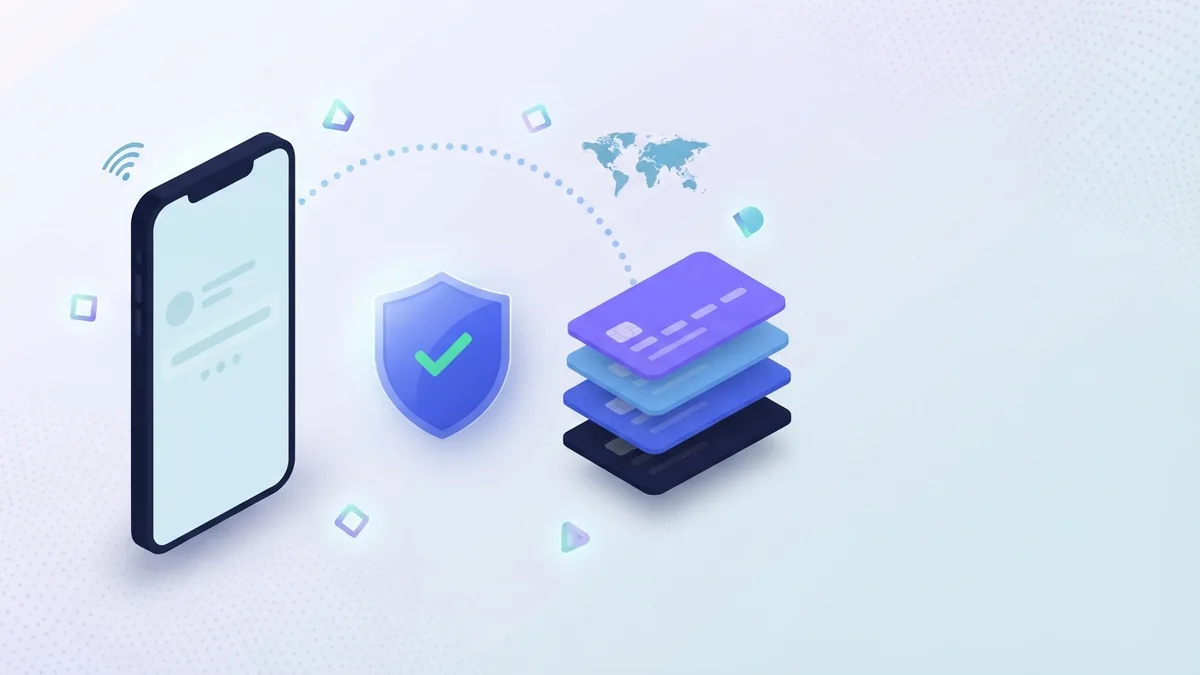
The steps below work across most provider sites and recharge apps. Menu names may differ, but the key checks stay much the same. Keep your phone nearby for payment alerts.
- Open a trusted service. Use the provider site, official app, bank app, or known wallet.
- Choose prepaid recharge. Select your country and carrier when asked.
- Enter the mobile number. Type it twice if the service offers a second check.
- Pick a plan or amount. Review data, calls, texts, price, and expiry.
- Check the details. Confirm the carrier, number, currency, and final fee.
- Choose a payment method. Use a secure card, bank tool, or trusted wallet.
- Approve the payment. Complete any one-time passcode or bank sign-in.
- Save the receipt. Keep the reference number until the balance updates.
Do not close the page during payment. A delay does not always mean failure. Check your bank record and account balance before trying again.
If the recharge fails, wait several minutes before repeating it. Two payments can create two top-ups. Contact the platform with your receipt if money left your account.
Comparing Providers, Apps, and Fees
Provider websites often offer the simplest user journey. They know your carrier and can show matching plans. Their support team may also find a failed recharge faster.
Bank apps and wallets can suit users who already pay bills there. They may provide stored numbers, rewards, or extra payment choices. Yet plan details may appear less clearly than on the carrier site.
Independent recharge platforms can help with overseas numbers. They may accept more currencies and payment types. Their total price can include a service fee, so compare the final checkout amount.
| Platform type | Main strength | What to check |
|---|---|---|
| Provider website | Fresh plans and direct support | Payment methods and local rules |
| Provider app | Fast repeat payments | App access and phone permissions |
| Bank app | Known payment account | Plan range and reward terms |
| Mobile wallet | Quick checkout and offers | Fees, limits, and refund rules |
| International platform | Cross-border top-ups | Exchange rate and service fee |
Compare the final price, not only the advertised plan value. A small fee can matter on frequent top-ups. Read user reviews for failed payments and slow refunds.
Support quality also matters. Look for a clear help page, receipt lookup, and a refund process. Avoid any service that hides its fee until the last screen.
Security Tips for Safer Online Recharge
Use a secure connection when you recharge. Avoid public Wi-Fi for payment steps. Mobile data is often safer than an unknown shared network.
Check the web address before signing in. Look for the correct provider domain and a secure connection. Do not trust links from random messages or pop-up ads.
- Use a strong password for recharge accounts
- Turn on two-step sign-in where available
- Never share a payment passcode
- Check the recipient number before approval
- Keep payment apps and phone software updated
- Save receipts, but hide full card details
Do not share one-time codes with callers who claim to offer cashback. Real support teams do not need your private payment code. Report suspicious messages to your bank and carrier.
Set a low wallet limit if you rarely use the service. Remove saved cards from shared devices. These small steps reduce the harm from a lost phone or stolen login.
How to Keep Every Recharge Smooth
Start by checking your balance and expiry date. This prevents a second payment for a plan you already bought. It also helps you choose the right data amount.
Save the correct number only after checking it twice. A wrong number can receive the recharge at once. Many providers cannot reverse a completed top-up.
Use the same trusted route for regular payments. This makes receipts and support cases easier to track. Set a calendar reminder if automatic recharge does not suit you.
When a payment is pending, do not rush to repeat it. Check the provider app, bank alert, and email receipt. Most issues become clear after a short wait.
Online recharge works best when speed does not replace care. Pick a trusted provider, review the plan, and protect your payment details. That routine keeps prepaid mobile service ready when you need it.
FAQ
- What is online mobile recharge?
- Online mobile recharge lets you add prepaid credit or pay a postpaid bill through a website, app, wallet, or payment service.
- How do I recharge my mobile online?
- Enter your number, choose prepaid or postpaid, select a plan, review the price, and pay through a supported method.
- How can I recharge BSNL mobile online?
- Use the official BSNL website or app, enter your mobile number, choose a plan, and confirm the payment details.
- How should I compare mobile recharge plans?
- Check the phone number, account type, plan value, expiry, network coverage, payment choices, and refund rules.
- Is online mobile recharge safe?
- Use an official app or website, avoid unknown links, turn on sign-in alerts, and never share one-time codes.
- What should I do if my recharge does not arrive?
- Check your payment record and recharge history first. Then contact the carrier with your reference number.