Kogan Mobile Recharge: Plans, Top Ups, and Easy Account Control
Compare Kogan Mobile recharge plans, vouchers, top ups, and auto-recharge settings.
Understanding Kogan Mobile Recharge
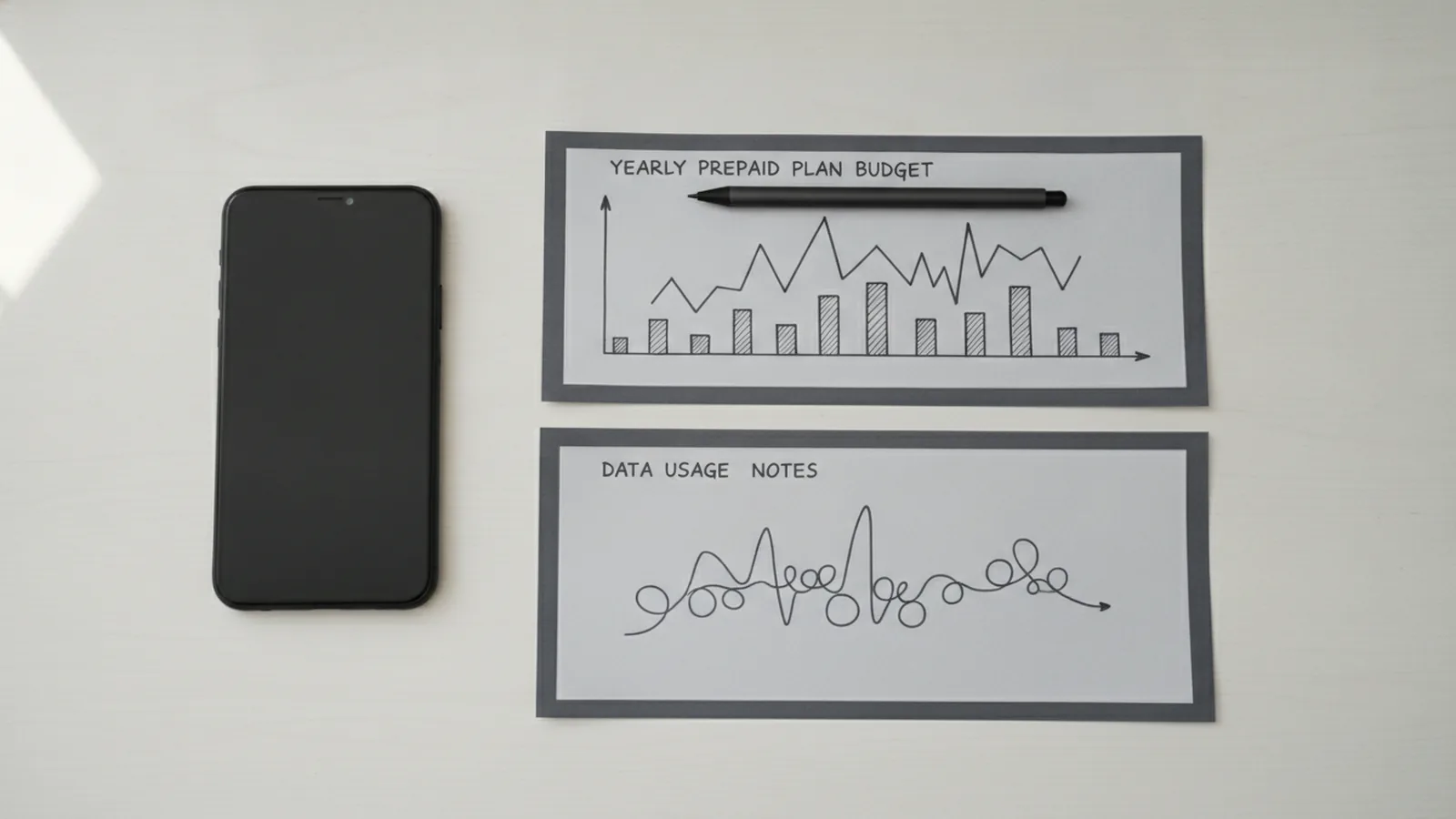
A Kogan Mobile recharge adds credit, data, or service time to a prepaid account. You can recharge online, use a voucher, or set automatic payments. The best choice depends on your budget and how often you use mobile data.
Kogan Mobile runs on the Vodafone network in Australia. Its prepaid plans often include calls, texts, and a set data amount. Plan prices and inclusions can change, so check the current offer before you pay. Kogan Mobile's current plan page is the best place to confirm live prices.
A recharge does not always mean the same thing as a new plan. Some payments renew your existing service. Others add a data pack or extend your expiry date. Read the payment screen before you confirm the order.
- Choose a plan with enough data for your normal month.
- Check the service end date before buying a long-term option.
- Keep your mobile number and account details ready.
- Save the receipt until the new balance appears.
Kogan Mobile Plans and 365-Day Options
Kogan Mobile recharge plans usually come in short and long service periods. A monthly plan may suit light users who want a smaller upfront bill. A 365-day plan can suit users who prefer one payment for the year.
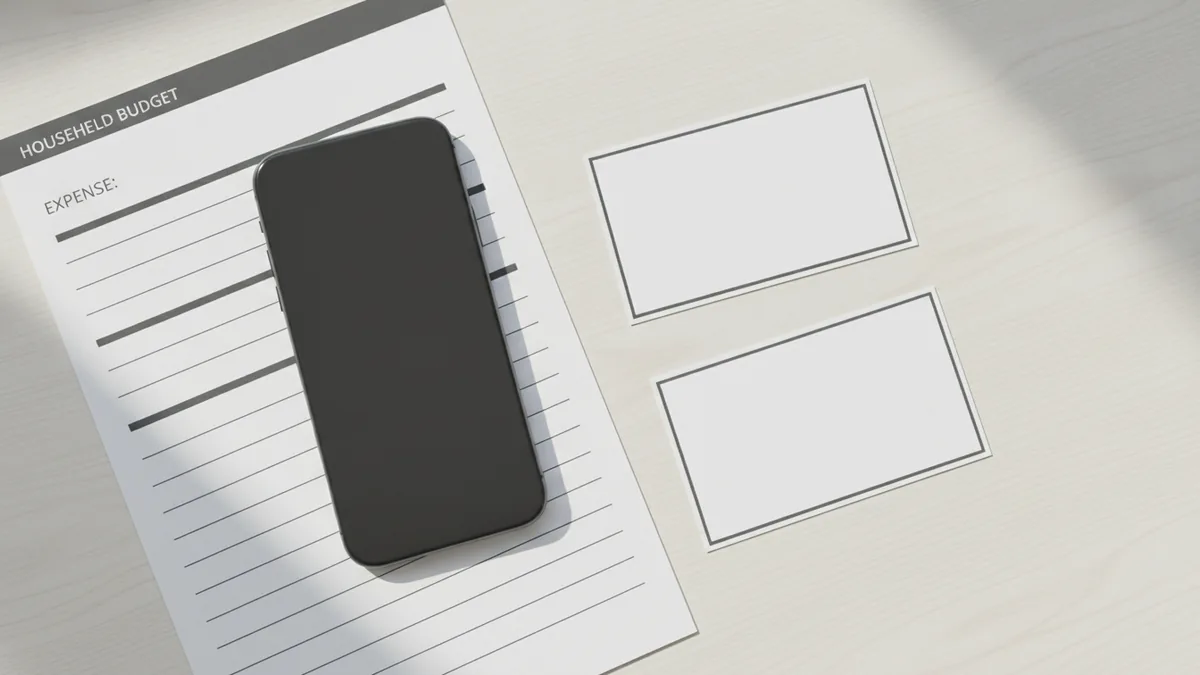
The yearly option may offer a lower cost per month than twelve separate renewals. It can also reduce the risk of forgetting a monthly recharge. Yet a large upfront payment needs more planning. Compare the total yearly price with the cost of twelve short plans.
Check the plan terms for data size, call limits, text limits, and expiry. Some yearly deals include a large data pool for the full term. Others split data into monthly amounts. These rules affect the plan's real value.
| Plan feature | What to check | Who may benefit |
|---|---|---|
| Short expiry | Price, data, and renewal date | Users with changing needs |
| 365-day expiry | Total data and yearly cost | Users seeking long-term cover |
| Data add-on | Extra data cost and expiry | Users who need a short boost |
Do not confuse Kogan's yearly plans with an Aldi Mobile recharge 365 days offer. Aldi Mobile and Kogan Mobile are separate services. A search for “aldi mobile recharge 365 days” may show the wrong provider. Check the brand name before you buy.
How to Recharge Kogan Mobile Online
The fastest Kogan Mobile recharge online route uses the provider's website. Open the recharge or account page, then enter your mobile number. Sign in if the site asks for account access.
- Select your plan, data pack, or recharge amount.
- Check the phone number and service expiry date.
- Choose a saved card or enter a new payment method.
- Review the price, data, and renewal terms.
- Submit the payment and wait for the success message.
- Check your balance by text, account page, or phone menu.
Kogan Mobile Express Recharge may help when you need a quick top up. Use the official express page linked from your account or the Kogan Mobile site. Enter the correct number with care. A payment sent to another number may be hard to recover.
Allow a short time for the new balance to show. Turn mobile data off and on if your phone still shows the old balance. Restart the phone only after the payment shows as complete.
If the payment fails, check your card limit and billing address. Do not repeat the payment many times at once. First check your bank account and recharge history.
Kogan Mobile Top Up and Voucher Choices
A Kogan Mobile top up can use a card, a direct online payment, or a recharge voucher. The available voucher types may vary by store, plan, and offer. Some vouchers add dollar credit. Others provide a set plan or data amount.
A recharge voucher normally has a code or number. Buy it from an approved seller, then enter the code through the recharge page. Keep the receipt until the code works. Never share an unused voucher code with another person.
- Dollar voucher: adds a set credit amount to the service.
- Plan voucher: starts or renews a named prepaid plan.
- Data voucher: adds data under its own expiry rules.
- Promotional voucher: gives a discount or extra service benefit.
Check the voucher expiry, activation rules, and allowed plan types. A voucher may not work with every Kogan offer. Some codes also need activation at the point of sale.
Do not use a random third-party voucher site. Fake codes can waste money and expose your account details. Use the provider's own sales channels or a known retail partner.
Auto-Recharge, Rollover, and Account Control
Auto-recharge renews a plan or adds credit without a manual payment. It can prevent a service pause when your plan ends. It can also create an unwanted charge if you no longer need the service.
To manage it, sign in to your Kogan Mobile account. Open the plan, payment, or auto-recharge settings. Turn the feature off, then save the change. Look for a confirmation message or email.
For a Kogan Mobile turn off auto recharge request, act before the next billing date. Removing a saved card may not cancel a planned renewal. Confirm the auto-recharge status in your account after making the change.
Data rollover rules vary by plan. Rollover means unused data moves into a later period. It may require an active renewal and may have a cap. Some plans offer no rollover at all.
Read the plan's data terms before relying on unused data. A 365-day plan may treat data in a way that differs from a monthly plan. A data add-on may also have a separate expiry date. The account balance is the final check before heavy use.
Managing Your Kogan Mobile Account
Your account page helps you track usage, payments, expiry dates, and plan details. Check it before travel or a long period away from home. This step can prevent a missed renewal or an unexpected data cost.
Keep your email and payment details current. Use a strong password that you do not reuse elsewhere. Contact Kogan support if a payment shows as complete but the service stays inactive.
International roaming needs extra care. A local prepaid plan may not include overseas use. Check roaming costs and activation steps before leaving Australia. A travel data pack may be cheaper than standard roaming rates.
- Review data use every few weeks.
- Check the next renewal date.
- Save payment receipts and voucher records.
- Watch for plan changes at renewal.
- Contact support with your number and payment reference.
Long-term plans work well for users who want fewer account tasks. They may also lower the average monthly cost. Compare the full term, not just the headline data figure.
Frequently Asked Questions About Kogan Mobile Recharge
How do I recharge Kogan Mobile?
Use the Kogan Mobile website or your account page. Select a plan or top up amount, check the number, and complete payment.
Can I recharge Kogan Mobile with a voucher?
Yes, a valid Kogan Mobile recharge voucher may add credit, data, or plan time. Check its expiry and plan rules before entering the code.
What is Kogan Mobile Express Recharge?
It is a quick route for adding service or credit. Use the official Kogan Mobile page and check the number before payment.
Does Kogan Mobile offer 365-day recharge plans?
Kogan Mobile may offer yearly prepaid plans at different times. Check the current plan page for price, data, expiry, and renewal rules.
Does unused Kogan Mobile data roll over?
Rollover depends on the plan terms. Check the active plan in your account because yearly, monthly, and add-on data can differ.
How can I stop Kogan Mobile auto-recharge?
Sign in, open the payment or auto-recharge settings, and switch the feature off. Confirm the change before the next renewal date.
Step by step
- 1Open the Kogan Mobile recharge page
Use the official website or your account page. Choose the recharge or express recharge option.
- 2Choose a plan or top up
Select the plan, data pack, voucher, or credit amount that suits your use.
- 3Check your service details
Confirm the mobile number, price, data amount, and expiry date before payment.
- 4Complete the payment
Use a card or another listed payment method. Wait for the success message.
- 5Check the new balance
Review your account or phone balance. Keep the receipt if the update takes time.
FAQ
- How do I recharge Kogan Mobile?
- Use the Kogan Mobile website or your account page. Select a plan or top up amount, check the number, and complete payment.
- Can I recharge Kogan Mobile with a voucher?
- Yes, a valid Kogan Mobile recharge voucher may add credit, data, or plan time. Check its expiry and plan rules before entering the code.
- What is Kogan Mobile Express Recharge?
- It is a quick route for adding service or credit. Use the official Kogan Mobile page and check the number before payment.
- Does Kogan Mobile offer 365-day recharge plans?
- Kogan Mobile may offer yearly prepaid plans at different times. Check the current plan page for price, data, expiry, and renewal rules.
- Does unused Kogan Mobile data roll over?
- Rollover depends on the plan terms. Check the active plan in your account because yearly, monthly, and add-on data can differ.
- How can I stop Kogan Mobile auto-recharge?
- Sign in, open the payment or auto-recharge settings, and switch the feature off. Confirm the change before the next renewal date.