How to Top Up and Recharge COD Mobile with COD Points
Recharge COD Mobile fast with COD Points, payment options, and bonus events.

Understanding COD Mobile top up
If you want to buy in-game items quickly, the best way is a COD Points top up. COD Points are the currency used for most in-game purchases in Call of Duty: Mobile. Once your balance updates, you can spend COD Points on items, upgrades, and seasonal content.
For players asking how to recharge COD Mobile safely, the short answer is to use official channels. In practice, you can buy COD Points directly through the official COD Mobile Web Store. This approach avoids random third-party sellers and keeps your account handling straightforward.
The process is typically quick. You usually do not need a long registration step, and you can often finish the payment in minutes. After payment, COD Points are commonly credited soon, though timing can vary slightly by payment method.
- COD Points are the in-game currency for COD Mobile.
- Official COD Mobile Web Store is the direct place to buy COD Points.
- Most top ups are quick and do not require registration.
How to recharge COD Mobile step by step
To recharge COD Mobile, you generally pick a COD Points amount, then complete payment. Start by opening the official COD Mobile Web Store in your browser. From there, choose the pack that matches how many COD Points you want.
Next, link your COD Mobile account inside the Web Store flow. The store usually prompts you to confirm your account details so the credit lands correctly. If you play on a version branded as garena COD Mobile, make sure you follow the region and account cues shown on the store page.
After you confirm the purchase, pay using your chosen payment option. Once the payment is approved, COD Points typically appear in your account balance. If you do not see the update right away, wait a few minutes and then check the in-game store balance again.
- Open the official COD Mobile Web Store.
- Select a COD Points pack.
- Confirm your Call of Duty: Mobile account details.
- Choose a payment option and complete the payment.
- Check your in-game COD Points balance.
Payment methods for COD Mobile top ups
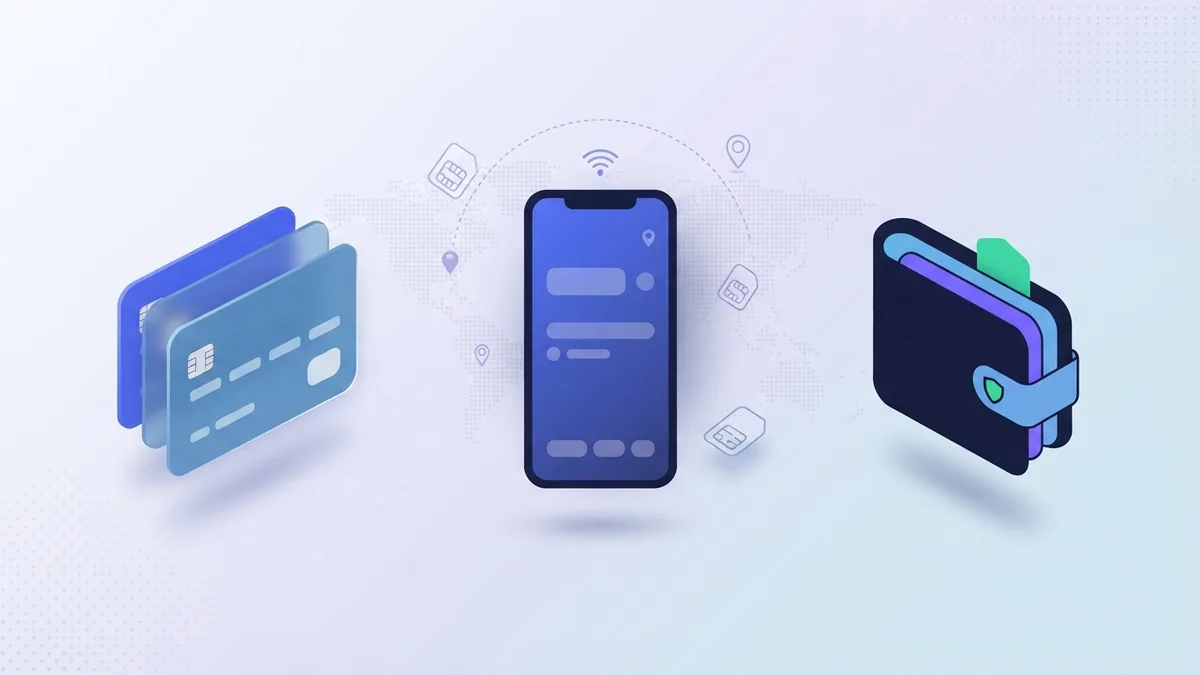
Good top up options make recharging COD Mobile easy, even when you do not want to use a card. Most regions support multiple payment options such as PayPal, Google Pay, and credit cards. Availability can depend on your location, but the goal is the same: let you pay fast and safely.
When you use PayPal, the purchase usually pulls funds from your linked PayPal balance. With Google Pay, you can pay using a linked bank or saved payment method tied to your Google account. Credit cards work as a direct option and are often available in more regions.
Before you recharge COD Mobile, check that your payment method is ready for online purchases. For example, card payments can fail if your bank blocks “card-not-present” transactions. If a payment fails, try a different method instead of repeated attempts with the same option.
| Payment option | What it is | When it fits best |
|---|---|---|
| PayPal | Pay via your PayPal balance or linked bank | You want a familiar checkout flow |
| Google Pay | Pay using a saved method in Google | You prefer mobile wallet checkout |
| Credit card | Card authorization for the COD Points purchase | You want a direct payment option |
- COD Points purchases are in-game purchases tied to your account.
- Payment methods can vary by region and platform.
- If a checkout fails, switch payment options to avoid repeated attempts.
Top up bonus events you can plan around
Top-up bonus events are one of the best reasons to time your cod mobile recharge. During certain promotions, you may receive extra COD Points or bonus items. The main idea is simple: adding funds during a specific window increases what you get for the same base pack.
To find current promotions, look for “bonus” banners in the official Web Store experience. Some events focus on added COD Points, while others tie bonuses to spending milestones. The wording matters, so read the promotion card carefully before you pay.
For example, a top up bonus event might offer extra COD Points when you purchase a selected pack size. If you plan to buy a bundle of cosmetics or a weapon upgrade, waiting for a promotion can stretch your budget. This is especially useful when you want gaming benefits like skins, seasonal drops, or event gear.
- Top up bonus event cod mobile promotions can add extra value to your purchase.
- Bonuses may be tied to pack size or total spend.
- Promotions have time limits, so check the event window.
Benefits of COD Mobile recharge for gameplay
Recharging COD Mobile is not only about spending. It can unlock more options for how you look, what you use, and how you progress. With COD Points, you can access cosmetic items like character skins, weapon skins, and visual effects.
COD Points can also support upgrades tied to in-game systems. Some items help you build loadouts for different modes and play styles. Even when the upgrades are mostly cosmetic, they can still improve your match experience by letting you personalize your gear.
Another gameplay benefit is access to limited drops during COD Mobile promotions. If an event offers a specific weapon skin or seasonal item, COD Points can help you pick it up before it leaves. For players who want to stay on top of COD Mobile promotions, planning a recharge around major events can be a smarter routine.
Finally, recharging gives you control over your pace. Instead of waiting for a reward you may not get, you can choose when to buy what you want. The key is using the official web store and verifying the bonus terms when a top up bonus event is running.
- Cosmetics: skins, character looks, and weapon visual effects.
- Upgrades: items that support your loadout choices.
- Event access: limited drops during promotions.
FAQ about COD Mobile top ups
Is cod mobile top up instant?
Many players see COD Points credited soon after payment. In some cases, it can take a little longer depending on the payment option. If you do not see the update quickly, wait a few minutes and then refresh your in-game balance.
Where can I buy COD Points for garena COD Mobile top up?
You can buy COD Points through the official COD Mobile Web Store. The site flow should guide you to the correct account region and account link. Follow the on-screen prompts to ensure your credit applies to the right account.
Do I need to register to recharge COD Mobile?
Most top-up flows are quick and do not require extra registration steps. You may still need to confirm account details during the checkout. If anything asks for account setup, it should be part of the official flow.
What payment options are available?
Common options include PayPal, Google Pay, and credit cards. Your exact options depend on your region. If one method fails, switching to another can help.
How do I know I’m getting a top up bonus event cod mobile offer?
Check the promotion details shown during checkout. Look for the bonus description and the event time window. If the bonus is pack-based, make sure your selected pack matches the event requirement.
Can COD Points be used for any in-game purchase?
COD Points are used for many store items, especially those priced in COD Points. Specific eligibility depends on what is currently listed in the in-game store. Use the in-game store to confirm what each item costs.
FAQ
- What are COD Points in Call of Duty: Mobile?
- COD Points are the in-game currency used for many store purchases. You spend them on items like cosmetics and other supported bundles.
- How do I recharge COD Mobile using COD Points?
- Select a COD Points pack in the official COD Mobile Web Store. Confirm your account details, pay, and then check your in-game balance.
- Is garena COD Mobile top up handled the same way?
- You can recharge COD Mobile through the official Web Store flow. Make sure you match the correct account and region prompts during checkout.
- Which payment options can I use for cod mobile top up?
- Common payment options include PayPal, Google Pay, and credit cards. The exact choices depend on your region.
- What is a top up bonus event cod mobile?
- It is a promotion that gives extra value when you buy COD Points during a set window. The bonus rules are shown during checkout, so review them before paying.
- When will COD Points show up after I recharge?
- COD Points are often credited quickly after payment approval. If it takes longer, wait a few minutes and check your balance again.