COD Mobile Garena Top Up: Simple Steps Explained
Top up COD Mobile with Garena Shells using simple steps and local payment options.

How COD Mobile Top Up Works
To top up Call of Duty Mobile with Garena, buy Garena Shells from a trusted source. Then, redeem the shells through your Garena account. The value becomes COD Points, also called CP, inside the game.
CP lets you buy digital items in COD Mobile. Common choices include the premium Battle Pass, weapon skins, character items, and event rewards. Your CP balance appears after the shell code reaches the correct game account.
Start by checking your game region. Garena serves selected Southeast Asian markets. The global version uses a different system in many regions. A Garena code may not work on a global account.
- Use the Garena version of COD Mobile.
- Check your player account before payment.
- Buy shells that match your country and region.
- Keep the receipt and code until CP arrives.
What Garena Shells Are
Garena Shells are prepaid game credits. They act as the payment balance for several Garena services. In COD Mobile, players exchange these credits for COD Points.
The exchange from Garena Shells to CP is quick and simple. The exact CP amount depends on the shell value and the package shown at checkout. Review the final amount before you confirm the exchange.
Most shell codes have a limited validity period. Some codes may need use within seven days. Check the seller terms and the code details before you pay.
A shell code usually works once. Do not share it with other people. Save a clear record of the purchase in case the code fails.
How to Top Up COD Mobile With Garena
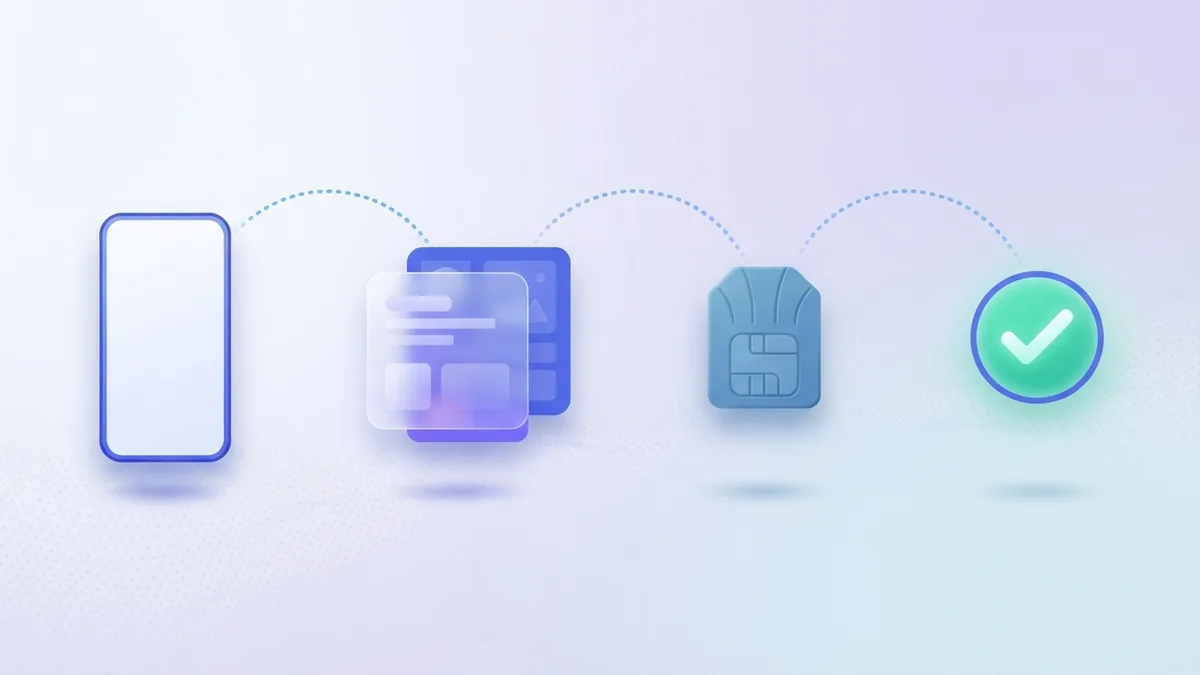
This process works for a standard call of duty mobile Garena top up. Menu names may change after game updates. The main steps stay much the same.
- Open the Garena game version. Launch COD Mobile on your phone. Check that the account shown in the game is yours.
- Find the top up page. Open the CP store or the Garena Shell redemption page. Use the official path linked from your game or Garena account.
- Buy Garena Shells. Select a shell value that matches your planned CP purchase. Confirm the country, region, and account details.
- Pay for the code. Choose a local payment method. Keep the receipt and wait for the code or balance update.
- Sign in to your game account. Log in before redeeming the shells. This step sends the CP to the right player account.
- Redeem the shells. Enter the code in the required field. Confirm the exchange from shells to COD Points.
- Check your CP balance. Reopen the game if needed. The new balance should show in the CP store.
Do not enter a code on an unknown page. Look for the correct Garena region before you submit payment. A cheap offer can still cause a loss if it uses a fake code.
Payment Methods Available in the Philippines

Players in the Philippines can often pay for shells in several ways. GCash is a common choice because it works through a phone wallet. Bank payments may also appear through a seller or payment gateway.
Other online wallets can support a Garena Call of Duty Mobile top up. The choices depend on the seller, account region, and current offer. Review the payment page before you place the order.
| Payment choice | What to check |
|---|---|
| GCash | Check the wallet balance and the final fee. |
| Bank payment | Use the correct account number and payment note. |
| Online wallet | Confirm the wallet name and supported region. |
| Retail code | Check the code value and expiry date. |
Some sellers add a service fee to the listed price. Compare the final amount, not only the headline price. A low-cost offer may include slower delivery or fewer payment choices.
Never send a one-time password to a seller. Legit payment pages should not need your game password. Use a payment method that gives you a receipt.
Why Use Garena for COD Mobile Top Up

Garena can make local top ups easier for players in supported markets. Players may see prices in local currency. They can also use payment tools that they already know.
The exchange process is fast when the code, account, and region all match. You can then spend CP on a premium Battle Pass or a new weapon skin. The purchase stays linked to your game account.
Garena also gives players a clear path for code use. You buy a shell code, sign in, redeem it, and check the CP balance. That short flow helps reduce payment mistakes.
- Local payment options can reduce payment friction.
- Shell codes are easy to store until use.
- CP can support Battle Pass and item purchases.
- A receipt helps with payment checks.
These benefits apply only when the game region matches the top up region. They may not apply to a global COD Mobile account. Check the version before you buy.
Common Problems and Quick Fixes
A code may fail for several simple reasons. The code could be expired, used, typed wrong, or tied to another region. Start with the receipt and code details.
Check that you signed in to the right in-game account. Some players have more than one login method. A guest account can also differ from a linked account.
| Problem | Useful fix |
|---|---|
| Code does not work | Check each character and confirm the code expiry. |
| CP does not show | Close the game, sign in again, and check the balance. |
| Payment is pending | Wait for the payment result before trying again. |
| Wrong game region | Contact the seller before buying another code. |
| Code says used | Send the receipt to the seller or platform support. |
Do not buy a second code while the first payment remains pending. You could pay twice. Give the first payment time to settle, then check your wallet and receipt.
If support asks for proof, share the order number and payment time. Never share your password or one-time password. Keep the shell code private until support gives clear instructions.
Frequently Asked Questions
Can I use Garena Shells for COD Points?
Yes, supported Garena accounts can exchange Garena Shells for COD Points. The account and game region must match.
How long does a Garena top up take?
Many top ups finish within minutes. Delays can happen when payment checks or server updates are still running.
Can I use a Garena code on COD Mobile global?
Usually, no. Garena and global versions can use separate payment systems and account regions.
Do Garena Shells expire?
Some codes have a short validity period, such as seven days. Check the seller terms before you buy.
What can I buy with COD Points?
You can buy items such as the premium Battle Pass and weapon skins. Available items can change with each game season.
What should I do if my CP is missing?
Check the account, restart the game, and review the payment status. Contact the seller or Garena support with your receipt if the balance stays missing.
Step by step
- 1Open the Garena game version
Launch COD Mobile and check that the correct player account appears.
- 2Find the top up page
Open the CP store or Garena Shell redemption page through the proper account path.
- 3Buy Garena Shells
Choose a shell value and confirm the country, region, and account details.
- 4Choose a payment method
Pay with an available option such as GCash, bank payment, or an online wallet.
- 5Sign in and redeem
Log in to the right game account and enter the shell code.
- 6Check the CP balance
Reopen the game if needed, then confirm that the new COD Points appear.
FAQ
- Can I use Garena Shells for COD Points?
- Yes, supported Garena accounts can exchange Garena Shells for COD Points. The account and game region must match.
- How long does a Garena top up take?
- Many top ups finish within minutes. Delays can happen during payment checks or server updates.
- Can I use a Garena code on COD Mobile global?
- Usually, no. Garena and global versions can use separate payment systems and account regions.
- Do Garena Shells expire?
- Some codes have a short validity period, such as seven days. Check the seller terms before you buy.
- What can I buy with COD Points?
- You can buy items such as the premium Battle Pass and weapon skins. Available items can change each season.
- What should I do if my CP is missing?
- Check the account, restart the game, and review the payment status. Contact the seller or Garena support with your receipt if needed.