TopitApp Mobile Recharge (Features, Safety and Top-Up Tips)
Learn how TopitApp works, stays safe, and helps you recharge prepaid phones.
TopitApp Mobile Recharge: What It Does
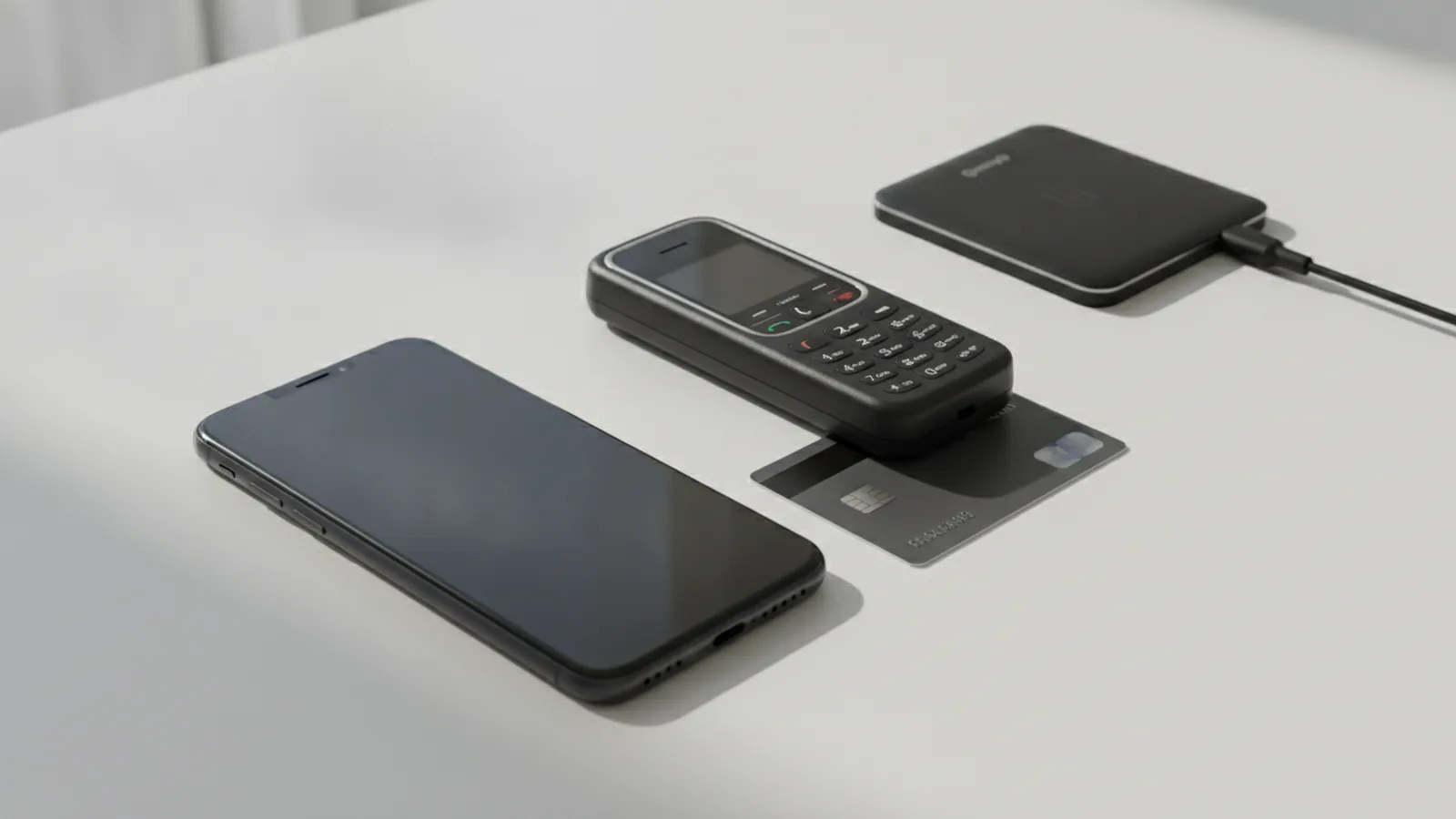
TopitApp mobile recharge lets users add airtime to prepaid phones through a digital service. You choose a country, enter a phone number, select an amount, and pay. The main draw is speed. A recharge can reach the phone within minutes when the payment and number are correct.
The service is aimed at prepaid users in several countries. Coverage can change by market, carrier, and payment route. Check the country list inside the app before you start. A service that works for one mobile provider may not work for another.
TopitApp is not a way to create free airtime. Claims about a secret topitapp hack deserve care. Most “hack mobile recharge” offers seek account details, card data, or a download. Use only the official app or website. Never install a modified APK that promises unlimited credit.
The service may suit people who top up their own phone or help family abroad. It can also help when a local shop is closed. Still, delivery time and fees can vary. Treat each recharge as a real payment, not a free digital trick.
Key Features to Check Before You Recharge
TopitApp may offer more than a one-time mobile top-up. The exact feature set can differ by country. Review the current app screen and fee details before sending money. This step helps you avoid old advice from an unrelated market.
- Prepaid recharge for supported mobile service providers
- International top-ups for selected countries and networks
- Saved numbers for people you recharge often
- Auto top-up features for a set date or low balance
- Receipts or status updates for completed payments
- Customer support for failed or delayed orders
Auto top-up can save time, but it needs a clear limit. Set a small amount first. Check whether the app charges a fee for each order. Also check how you stop future payments.
Payment methods matter just as much as the recharge amount. The app may accept a bank card, digital wallet, or other local method. Some methods may add a fee or need extra sign-in steps. Compare the final price before you approve the payment.
Keep a note of the order ID after each purchase. That code helps support staff trace a failed recharge. It also gives you a simple record for your bank or wallet statement.
How to Use the TopitApp Recharge App
Start by getting the app from a trusted store or the service’s verified site. Check the developer name before installation. Avoid search results that offer a “topitapp mobile recharge hack apk.” Such files can steal data or change payment details.
- Open the app and create an account, if one is required.
- Choose the phone’s country and mobile network.
- Enter the full prepaid number without guessing the country code.
- Select the airtime value and review any fee.
- Pick a payment method and finish the payment check.
- Save the receipt and confirm the airtime reached the phone.
Read the number twice before you pay. Many recharge systems send airtime at once. A wrong number may be hard to fix. Ask the recipient to confirm the number when you recharge for someone else.
Watch the order status after payment. A pending order may need time or a support check. Do not submit the same payment again too soon. Duplicate orders can create two charges.
If the order fails, save screenshots and bank details. Contact support through the app or verified site. Do not share a full card number, password, or one-time security code.
Safety and Data Protection
A safe recharge starts with the right download source. Use an official app store listing or a verified domain. Check spelling in the web address. Scam pages often copy colors and icons from real services.
Use a strong, new password for your TopitApp account. Turn on sign-in alerts or two-step checks when offered. Do not reuse the same password for your email and payment account. Your email account can unlock other services.
Use a private network when entering payment details. Public Wi-Fi can expose more data than you expect. A mobile data connection is often safer for a quick recharge.
- Check the recipient number before every payment.
- Review the total cost, fee, and currency.
- Keep app and phone software up to date.
- Turn off auto top-up when you no longer need it.
- Watch your bank or wallet for unknown charges.
- Report fake apps and suspicious messages.
Look for basic safety signs, such as secure payment pages and clear support details. These signs do not prove every claim. They do show that the service takes account safety seriously.
Never trust a topitapp hack that asks for your login or card data. There is no safe shortcut around a carrier’s billing system. A hacked APK can also install spyware, steal codes, or send hidden payments.
Useful Mobile Recharge Hacks That Stay Legal
A real mobile recharge hack is a smart habit, not a break-in. The best gains often come from fewer mistakes and lower fees. Start by comparing the final cost for the same airtime value.
- Use a stored recipient only after checking it twice.
- Set an auto top-up cap that fits your monthly budget.
- Recharge during a known carrier offer, when terms allow it.
- Compare card and wallet fees before each payment.
- Group small gifts into one planned recharge when safe.
- Keep receipts until the recipient confirms delivery.
Some providers give bonus airtime during limited offers. Read the terms before chasing a bonus. The offer may apply only to certain networks, amounts, or dates.
Auto top-up works best for a phone with a steady monthly need. It works less well for a spare phone or changing travel number. Review the rule each month. Remove old numbers from your account.
International top-ups need extra care. The recipient may get airtime in local currency or a local value. Exchange rates and fees can change the amount paid. Confirm the delivered value before sending a large payment.
Do not use stolen cards, fake accounts, or altered app files. Those methods can harm the recipient and close your account. Legal savings beat a risky “free recharge” promise.
What Customer Reviews Can Tell You
Customer reviews can reveal patterns that a feature list misses. Look for comments about delivery time, failed payments, fees, and support replies. A single angry review proves little. Repeated reports about the same issue deserve attention.
Positive reviews may praise a simple interface and fast airtime delivery. Users may also like saved numbers and auto top-up tools. These benefits matter most when the service supports your country and carrier.
Negative reviews often mention delayed orders, unclear fees, or slow support. Some complaints may come from wrong numbers or unsupported networks. Read the full review before judging the service. Check whether the company replied and fixed the issue.
| Review point | What to check |
|---|---|
| Delivery | How long airtime takes to reach the phone |
| Cost | Fees, exchange rates, and the final charge |
| Support | Reply speed and refund steps |
| Ease of use | Number entry, payment flow, and receipts |
| Safety | Account controls and clear payment notices |
Reviews also have limits. App stores may mix comments from many countries. Older reviews may describe a past app version. Use recent local reviews as one source, not your only test.
For a first trial, use a small recharge. Confirm delivery before using auto top-up. This low-risk test can show how the service works for your network.
A Simple Way to Decide if TopitApp Fits
TopitApp can be useful when it supports your country, carrier, and payment method. It can make prepaid recharges quick. Auto top-up may also reduce missed payments. The service still needs careful checks.
First, confirm coverage and the full price. Next, test a small amount. Then, review delivery and support. Turn on repeat payments only after the first few orders work well.
Keep your account safe and ignore claims about a topitapp recharge hack. There is no trusted app trick that creates free airtime. The safest approach is simple. Use the official service, check every detail, and keep payment records.
That process helps you gain the useful parts of digital recharge. It also limits the risk from wrong numbers, hidden fees, and fake downloads.
FAQ
- What is TopitApp mobile recharge?
- TopitApp is a digital service for adding airtime to supported prepaid mobile numbers. Coverage depends on the country and mobile provider.
- Which payment methods does TopitApp accept?
- TopitApp may support cards, digital wallets, and local payment options. The available methods and fees can differ by country.
- Does TopitApp offer auto top-up?
- Auto top-up can add airtime on a schedule or when a balance falls. Set a spending cap and check how to stop future charges.
- Is there a safe TopitApp recharge hack?
- Do not trust claims about a free topitapp hack or hacked APK. These offers may steal account details, payment data, or security codes.
- How can I use TopitApp safely?
- Check the country, network, number, amount, fee, and final price before paying. Save the receipt and order ID after payment.
- What do customer reviews say about TopitApp?
- Reviews may praise fast delivery and simple use. Other users may report failed payments, fees, delays, or slow support.