Mobile to Mobile Recharge: How It Works, Options, and Providers
Mobile to mobile recharge explained—options, steps, fees, and fixes.
Understanding mobile recharge
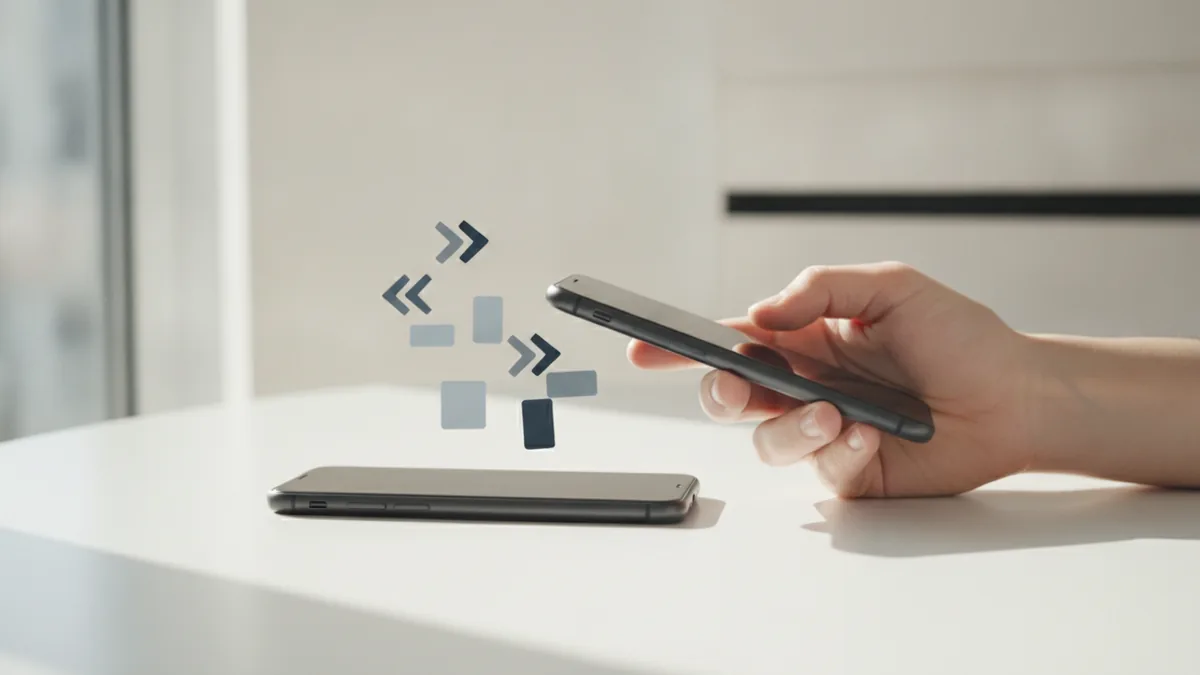
Mobile to mobile recharge lets you add airtime or balance to another phone number directly from a mobile service. It uses the same mobile networks that carry calls and data, but it routes the top-up as a “mobile payment” style transfer. For many users, it is faster than buying a voucher or waiting for a store clerk. The result is usually an instant recharge for the recipient, as long as both numbers are on supported networks.
In practice, this process is a transfer between service accounts. Your carrier or a partner provider handles the request, then credits the recipient’s account. That is why mobile networks and service providers matter: they determine what numbers can receive the top-up and how fast it arrives. When it works, the experience feels like a small digital wallet transfer, but it is tied to telecom billing systems.
- Airtime top-up or balance increase for a target phone number
- Often done via USSD, app, or customer portal
- Depends on provider rules and number compatibility
Why mobile to mobile recharge is useful
The main benefit is convenience. You can top up someone’s mobile right away from your own phone, even if you are not near a shop. This is helpful for emergencies, travel, and everyday support for family members. It can also reduce the friction of buying paper vouchers with scratched codes.
Another advantage is speed. Many providers support instant recharge, which means the recipient sees balance updates within seconds or a few minutes. In busy periods, it still usually beats physical distribution. You also get a clear transaction record, which helps with follow-ups through customer support if anything goes wrong.
Finally, mobile to mobile recharge can be more flexible than fixed retail channels. Some services let you choose amounts in steps, and others allow payment through a linked digital wallet or bank account. That flexibility can reduce out-of-pocket friction, but it also means you should check transaction fees before confirming.
| Benefit | What you typically notice |
|---|---|
| Convenience | Top up from your phone without a store |
| Instant transactions | Recipient balance updates quickly |
| Transaction history | Receipts help with support requests |
| More payment options | Sometimes includes digital wallets |
How to recharge mobile to mobile (step by step)
Below is the typical step-by-step process for mobile to mobile recharge. The exact menus differ by service providers, but the logic stays the same. Start by finding the recharge feature in your carrier app or the partner service you use. If you use USSD, you will start from the dial screen.
- Choose the type of top-up. Pick “airtime” or “balance” for a phone number transfer.
- Select the recipient number. Enter the target mobile number carefully, including the correct country or network prefix.
- Choose the amount. Some systems offer preset amounts, while others let you type a value.
- Review fees and final cost. The total cost often includes service fees or transaction fees.
- Confirm and authorize. You may confirm with a PIN, OTP, or an in-app approval.
- Wait for confirmation. You should receive a status message and a reference code.
- Verify the recipient balance. Ask the recipient to check balance or wait for the update notification.
To make this real, think about provider-specific flows like t mobile mobile recharge. On many T-Mobile paths, you select “add funds” or “send airtime,” then enter the recipient number and amount. You then approve the payment with the app’s sign-in or a one-time code, and you keep the receipt reference for later.
For etisalat mobile to mobile recharge, the steps are similar, but the available amounts and eligibility may differ. Many Etisalat top-up routes guide you to choose “send” or “transfer” in a mobile app or USSD menu. Always confirm that the recipient number matches the supported network rules for that service.
Fees can vary by provider and payment method. Some charges appear as a separate line item. Others are included in the final total you pay. If you are using a digital wallet, there may also be wallet transaction fees or limits, so check your wallet’s fee screen before you authorize.
Top services and providers for mobile recharge
When people search for mobile to mobile recharge, they often look for their own carrier or a well-known partner. Popular options include carrier-linked services like T-Mobile and Etisalat. These provider flows are usually the most reliable because they align with the provider’s own billing and network rules.
Here is a practical view of what to compare when picking a service provider. First, check whether you are recharging within the same network or across networks. Next, confirm what payment methods are supported, such as a carrier account balance, card payment, or a linked digital wallet. Finally, look at the stated transaction fees and the expected delivery speed.
- T-Mobile: often offers t mobile mobile recharge through its app or authorized USSD paths
- Etisalat: commonly supports etisalat mobile to mobile recharge through carrier channels
- Digital wallet partners: some services accept wallet funding, then deliver the top-up via mobile networks
If you want the smoothest experience, start with a provider that matches the recipient’s service. Cross-network top-ups can work, but they may use different rules, which can lead to longer delivery times. When in doubt, check the provider’s eligibility note inside the recharge screen before paying.
Tips for a smooth recharge process
Small details prevent most failed mobile to mobile recharge attempts. First, double-check the recipient number format. One missing digit or a wrong prefix can send the payment to a different account or fail processing. Second, confirm the selected amount matches what the recipient expects, especially if amounts include different tiers.
Next, keep your receipt. Many services show a reference number after confirmation. Save that reference and the time you paid. It makes customer support faster if the transaction shows as “pending” or “failed.”
Also, pay attention to security steps. Use the official app or official carrier menu where possible. Do not share PINs or one-time codes with anyone. If a message asks you to confirm on a suspicious site, stop and retry using the official service provider route.
- Check the recipient number format before you confirm
- Review transaction fees and the final cost
- Use official service channels and stable internet
- Save the reference code for support
- Never share PINs or OTP codes
Common issues and solutions
Even with good steps, problems happen. The most common ones are failed transactions, delayed delivery, and incorrect recipient crediting. A “failed” status usually means the payment did not complete through the billing system. A “pending” status suggests the system is still processing, often due to network load or payment confirmation delays.
If the recipient does not receive the top-up right away, wait a bit and check for status updates. Some systems send balance changes within seconds, but others can take a few minutes. During that period, avoid repeating the transaction, because you might pay twice if the first one later succeeds.
Here are targeted solutions you can apply quickly.
- Wrong number entered: stop if possible, then use the reference code to contact customer support
- Insufficient balance: add funds to your own account or wallet, then retry the recharge
- Transaction fee surprise: confirm the final cost screen next time and compare payment methods
- Top-up shows pending: wait for the status update window, then re-check balance after it clears
- No OTP or confirmation received: verify your phone can receive SMS, then restart the flow from the official provider page
If you use t mobile mobile recharge or etisalat mobile to mobile recharge specifically, also check provider compatibility. Some services only allow certain recipient numbers or require the recipient to be on the supported mobile network. When a provider rejects the request, customer support can explain eligibility rules tied to mobile networks and service providers.
For repeat issues, try a different payment method if available. If you used mobile data, try Wi-Fi, then retry. If the issue follows one device, try the official app on another phone. These steps help isolate whether the problem is network-related, account-related, or device-related.
Quick reference: what to check before you submit
Before you finalize, run a short check. This reduces mistakes while keeping the transaction fast. It is also the easiest way to avoid delays caused by incorrect inputs or missing approvals.
| Check | Why it matters |
|---|---|
| Recipient number format | Prevents misdirected top-ups |
| Amount and presets | Avoids wrong value deliveries |
| Transaction fees | Prevents surprises in final cost |
| Authorization method | Stops failed confirmations |
| Status message and reference code | Helps with customer support requests |
If you follow these checks, mobile to mobile recharge becomes a reliable tool. It is especially helpful when you need instant recharge without visiting a store.
Step by step
- 1Choose the right recharge option
Open your carrier app or authorized recharge menu and select a mobile-to-mobile top-up. Pick airtime or balance transfer based on what the recipient needs.
- 2Enter the recipient number carefully
Type the target mobile number using the correct format and prefix. Re-check digits before you proceed, since one wrong number can break the transfer.
- 3Select the top-up amount and review costs
Choose the amount from presets or by typing a value. Confirm any transaction fees shown on the final cost screen.
- 4Confirm with OTP or authorization
Approve the payment using the provider’s sign-in or one-time code. Never share PINs or OTP codes with anyone.
- 5Save the receipt and verify delivery
Wait for the success or pending message and note the reference code. Ask the recipient to check balance after the status clears.
FAQ
- What is mobile to mobile recharge?
- Mobile to mobile recharge is a service that transfers airtime or balance to another phone number. It works through telecom billing systems and supported mobile networks.
- Are t mobile mobile recharge and etisalat mobile to mobile recharge the same?
- They are similar in process, but the exact menus, eligibility, and fees can differ by provider. Always confirm the recipient’s number compatibility in the recharge screen.
- How long does mobile to mobile recharge take?
- Many top-ups are delivered instantly or within a few minutes. If a transaction is pending, wait for the status update instead of repeating the payment.
- What fees should I expect for mobile to mobile recharge?
- Fees vary by provider and payment method. Check the total cost screen before you confirm, since some providers include transaction fees in the final amount.
- What should I do if the recharge fails?
- Do not retry immediately. Verify your reference code and check status messages, then contact customer support if the recipient did not receive balance.
- How can I stay safe when recharging mobile phones?
- Use official apps or carrier menus and never share PINs or OTP codes. If a link looks suspicious, stop and restart from the official provider route.