How to Convert Airtime to Mobile Money Safely
Turn unused airtime into wallet funds with safer steps and clear fee checks.
What Airtime and Mobile Money Mean
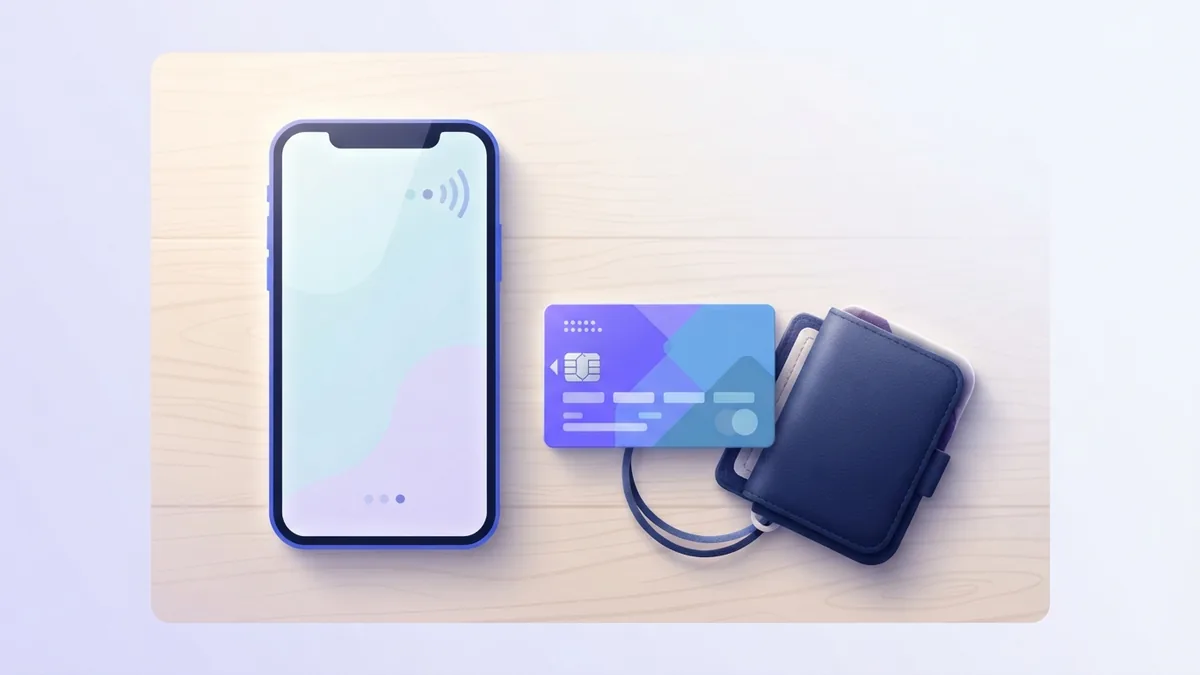
Airtime is prepaid credit for calls, texts, and data. You buy it through a network, bank, agent, or payment app. The credit sits on your SIM-linked account.
Mobile money is cash held in a phone-based wallet. You can send it, receive it, save it, or use it for bills. You can also withdraw it through an approved agent.
These services are not the same. Airtime cannot usually move straight into a wallet. You need a supported conversion service, such as a carrier feature or third-party app.
Rules vary by country and network. Check the service name, fees, and wallet support before you confirm.
Why Convert Airtime Into Mobile Money?
Airtime can become useful cash when you have too much credit. This often happens after a wrong recharge or a gift from another person. A conversion gives that value a wider use.
Mobile money can pay bills, send funds, and support cash withdrawal. It can also help when you need money for food, travel, or a small urgent payment. Airtime alone cannot cover most of these needs.
Converting airtime to mobile money may also save time. You avoid finding another buyer for unwanted credit. You can start the request from your phone.
Still, conversion is not free in most cases. The service may deduct a fee or pay less than the airtime value.
- Check the final cash amount before approval
- Use the wallet number linked to your own name
- Keep the recharge receipt or reference code
- Read the refund rules before sending airtime
How to Reverse Airtime to Mobile Money
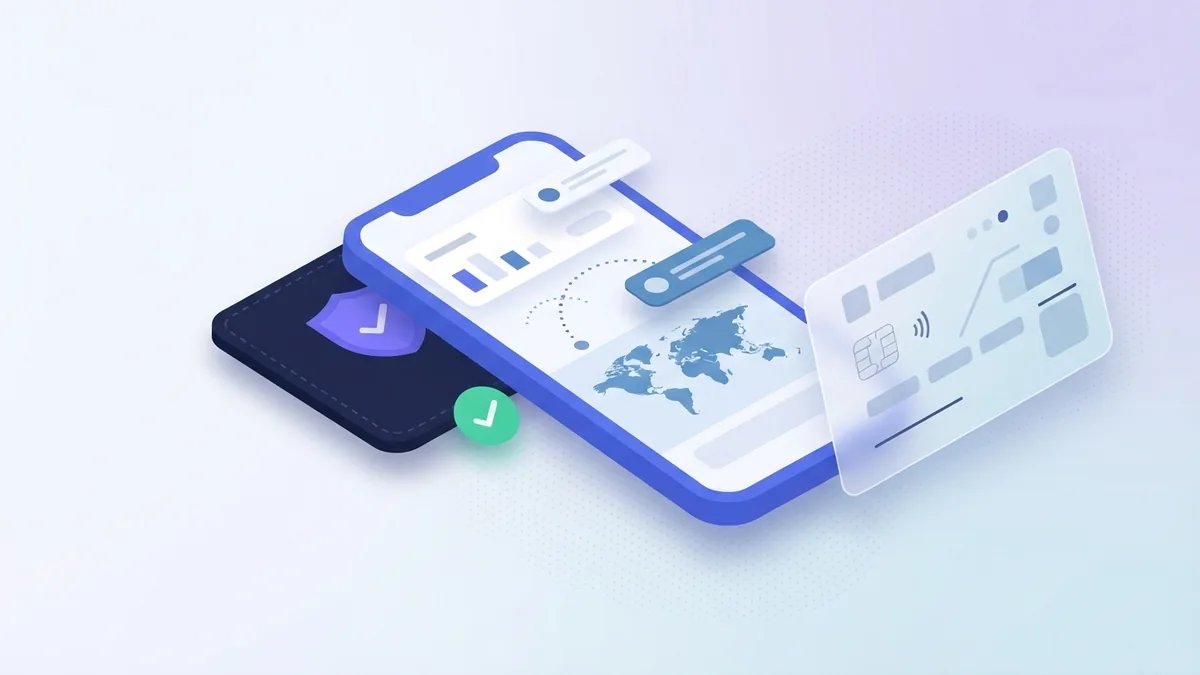
The safest method depends on your network and country. Some networks offer a built-in reversal path. Others require a licensed app that buys the airtime and pays your wallet.
Use this process for most supported services. The names of buttons may differ.
- Check the airtime balance. Confirm that the credit is still on your SIM. Do not use the airtime before you start.
- Choose a supported service. Pick your carrier's own service when available. Otherwise, use a known conversion app with clear support details.
- Create or verify your account. Enter your name, phone number, and wallet number. Some services ask for an identity check.
- Enter the airtime amount. Type the amount you want to change. The app should show its fee and expected payout.
- Send the airtime. Follow the app's steps for a recharge or transfer. Check the recipient number twice before you send.
- Submit the request. Add the airtime reference if the service asks for it. Keep the request number.
- Wait for the wallet credit. Many requests finish within minutes. Some need manual checks during busy periods.
- Confirm the payment. Check your wallet balance and transaction history. Contact support if the amount is wrong.
For example, a service may quote a 10 percent fee on 10,000 units. Your wallet would receive 9,000 units. The rate can change, so use the live quote shown at checkout.
Do not send airtime to a personal number shared in a chat. Use the number shown inside the verified service. This step helps reduce fraud.
Services and Apps That May Support Conversion
MTN MoMo and Airtel SmartCash are well-known wallet services in markets where they operate. They let users receive funds, send money, and pay for services. Direct airtime reversal is not available in every market, though.
MTN users should check the official MoMo menu or app for a reversal option. Airtel users can check SmartCash or the Airtel self-service channel. The feature may depend on the country, account type, and recharge source.
Third-party apps can offer airtime to mobile money conversion. Names and coverage change often. Common examples in some African markets include Prestmit and Recharge2Cash.
Treat these apps as country-specific tools. Confirm that your network and wallet appear in the app before you send credit.
| Service type | Best use | What to check |
|---|---|---|
| Carrier wallet | Network-linked transfers | Country support and menu options |
| Carrier app | Clear balance and status checks | Verified app publisher |
| Third-party converter | Networks without direct reversal | Rate, fee, limits, and reviews |
| Agent or support desk | Complex failed requests | Official contact channel |
Choose an app with a clear payout rate and a visible support route. Avoid apps that promise unusually high returns. Fast promises can hide extra fees or theft.
Fees, Limits, and Other Rules
Most conversion services charge a fee. Some use a flat charge. Others keep a percentage of the airtime value.
There may also be daily limits. A new account may face a lower limit than a verified account. The service may reject very small or very large requests.
Some networks accept only fresh airtime. Others reject bonus credit, promotional bundles, or credit bought with a restricted payment method. Read the terms before you begin.
The payout may take longer when the wallet name does not match your account details. Name checks can also block transfers to another person's wallet.
- Compare the airtime value with the final wallet payout
- Check the minimum and maximum request amount
- Ask if bonus credit qualifies
- Confirm whether refunds return as airtime or cash
- Keep records until the wallet shows the funds
Tips for a Safe and Successful Conversion
Start with a small amount when using a service for the first time. This test shows whether the rate, speed, and payout work as promised. It also limits your loss if a problem occurs.
Use a strong account password and a private wallet PIN. Never share a one-time code with an agent or support worker. Real support staff should not need your full PIN.
Use a stable network during the request. Save screenshots of the quote, request number, and airtime transfer. These records make a dispute much easier.
Check the receiver number before every transfer. One wrong digit can send the airtime to another user. A reversal may then be hard or impossible.
Use official app stores and check the publisher name. Read recent reviews with care. A high rating alone does not prove that a service is safe.
Common Problems and Troubleshooting Steps
A delayed payout is the most common issue. First, check the request status inside the app. Then confirm that the airtime left your balance and that your wallet number is correct.
Wait for the service's stated time limit before sending another request. Duplicate requests can create more confusion. Contact support with your reference code if the delay passes that limit.
A failed transaction may result from a wrong network, low airtime, account limits, or a service outage. Check each detail before trying again. Do not keep retrying if the airtime has already left your account.
If the wallet shows the wrong amount, compare the quote with the final credit. The difference may be the stated fee. Ask support for a full payment breakdown if it does not match.
When support does not reply, contact the network through its official helpline or app. Keep the original receipt and all case numbers. Report suspected fraud to the network and your local consumer protection body.
- No airtime received: Check the network and recipient number.
- Wallet not credited: Check status, then contact support with the reference code.
- Wrong payout: Compare the shown rate, fee, and amount.
- Request rejected: Check account verification and daily limits.
- App unavailable: Wait for service recovery before retrying.
There is no universal way to reverse every recharge. The correct path depends on your carrier and country. When in doubt, use the carrier's own wallet channel first.
Step by step
- 1Check your airtime balance
Confirm that the airtime is still available. Keep the recharge receipt or reference code.
- 2Select a supported service
Check your carrier wallet first. If needed, choose a trusted conversion app that supports your network.
- 3Enter your details
Add your phone number, wallet number, and the airtime amount. Review the displayed fee and payout.
- 4Send the airtime
Follow the service steps and check the recipient number twice. Save the transfer reference.
- 5Track the payout
Wait for the wallet credit within the stated time. Contact support if the request remains pending.
- 6Confirm the funds
Check your wallet balance and transaction history. Report any wrong amount at once.
FAQ
- How do I reverse airtime to mobile money?
- Use your carrier's own reversal option when available. Otherwise, use a supported conversion app, send the airtime, and wait for the wallet payout.
- How much does airtime to mobile money conversion cost?
- Most services charge a flat fee or keep a percentage of the airtime value. The app should show the payout before you confirm.
- Can I convert airtime through MTN MoMo or Airtel SmartCash?
- MTN MoMo and Airtel SmartCash may support related wallet services. Direct airtime reversal depends on the country and network.
- What should I do if my mobile money payout is delayed?
- Check the request status, airtime balance, wallet number, and service limit. Contact support with your reference code if the delay continues.
- Can bonus airtime be changed into mobile money?
- Some services reject bonus credit, bundles, or airtime from restricted payment methods. Check the service rules before sending credit.
- How can I avoid scams when converting airtime?
- Use a verified app, test with a small amount, and keep your PIN private. Never send airtime to a personal number shared outside the service.